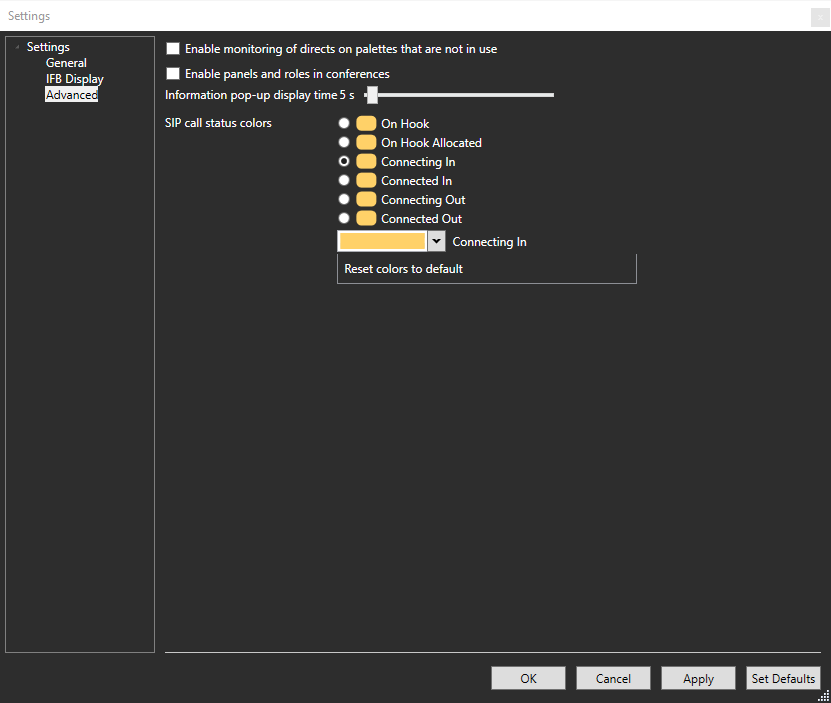
Using the Settings Screen
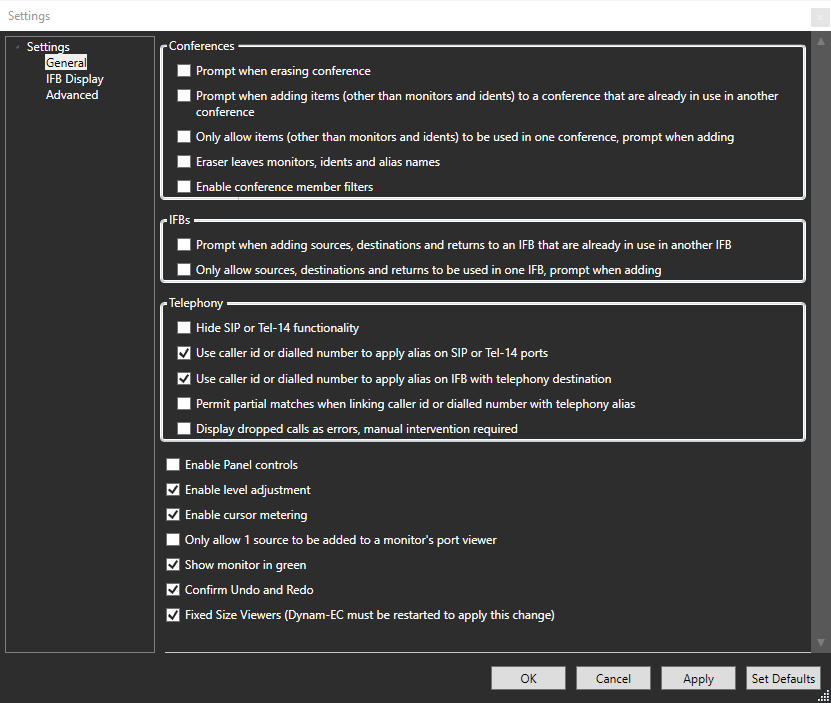
The Settings screen is used to:
-
Enable prompts and various other settings that help you manage the configuration of conferences.
-
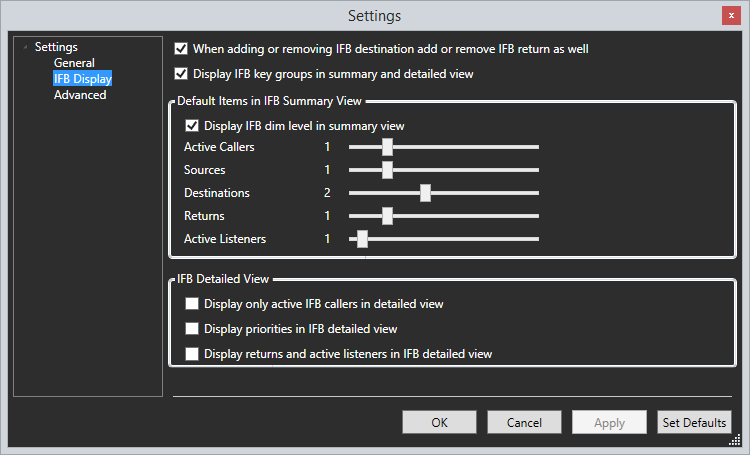
Select what is visible on the canvas in IFB display modes
To open the Settings screen, select Settings in the toolbar. You can now select:
-
General
-
IFB Display
-
Advanced
General settings...
IFB Display settings...
Advanced settings...